 Mattermost v11.0 is now available! Learn what's new »


Log out of Mattermost
 Available on
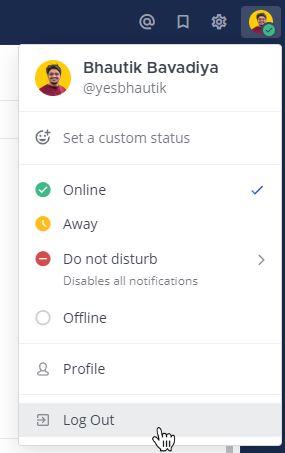
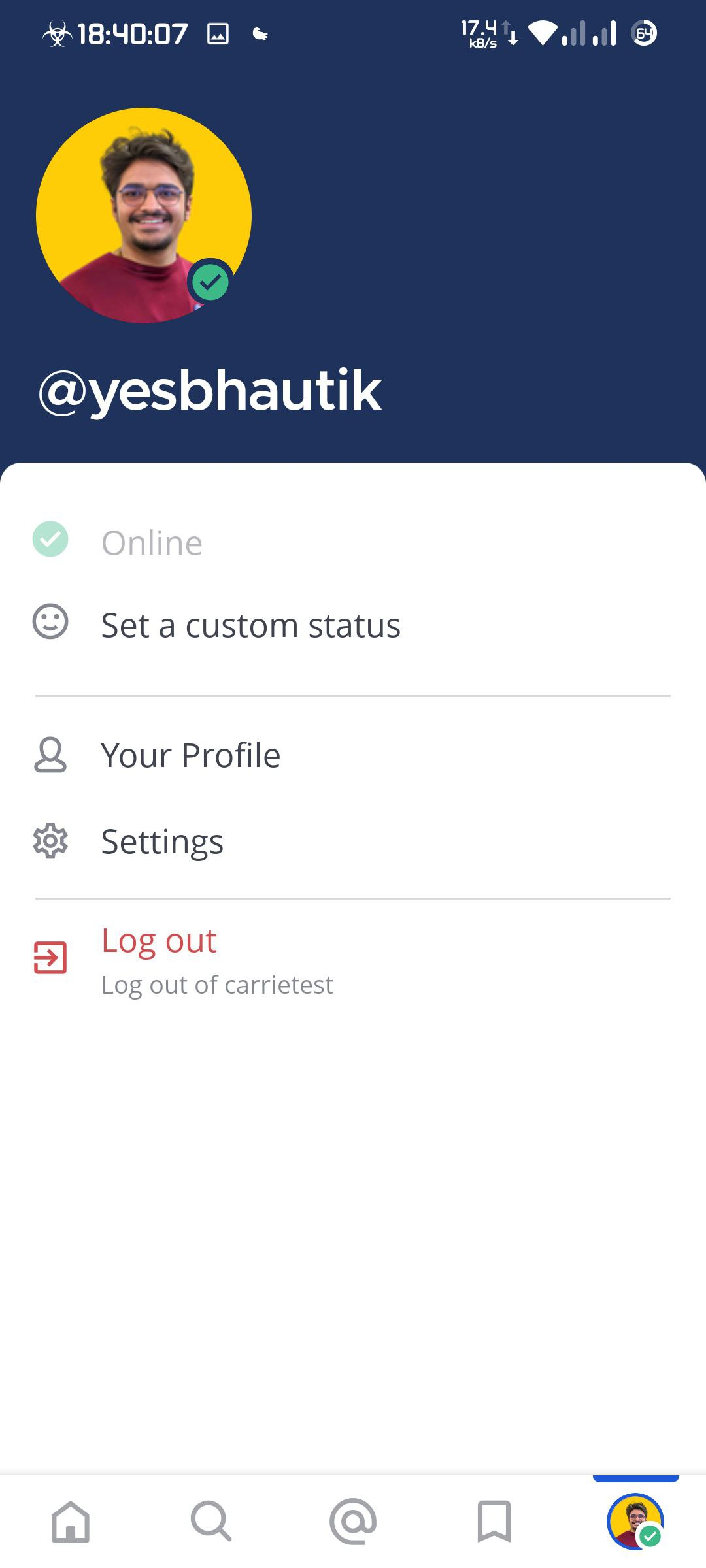
 You can log out of Mattermost from your profile picture. Select Log Out to log out of all teams on the server.
Frequently asked questions
What happens when I log out of Mattermost?
When you log out of Mattermost, all data related to your session is removed except a record in the app database of the server you accessed and general activity state information, such as the onboarding checklist. Your user data stored within the server database is deleted when you log out. If you were to delete the Mattermost desktop and the mobile app, the most recent server URL and state data would also be deleted.
When you log out, the following additional data is also deleted:
All push notifications from that server.
The websocket, network, and analytics clients stored locally in memory.
All cookies for the server URL.
The image cache for all servers (not just the server you’ve logged out of).
All files saved in the cache directory for that server.
All thumbnails and data saved to the clipboard for all servers (not just the server you’ve logged out of).
The
image_cachecache directory (Android mobile app)
If you have multiple Mattermost accounts on the same server, logging out of one account will not log you out of the other accounts.
What happens if I log out while my device is enrolled in Intune MAM?
If your device is enrolled in Intune MAM (Mobile Application Management), logging out of Mattermost will remove all workspace data and Intune protection for that workspace from your iOS device. You can sign back in with Microsoft if you need access again. Learn more about accessing your workspace with Intune MAM.